
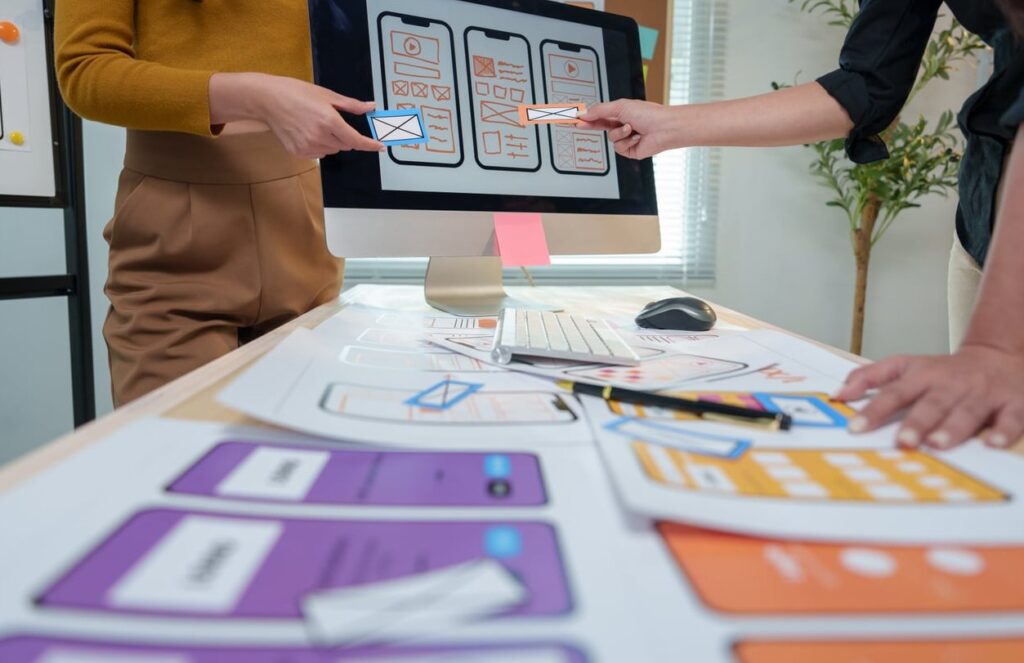
If you’re new to UX design, you’ve probably heard the terms wireframing and prototyping used almost interchangeably. They’re not the same thing, and confusing them can cost you time, budget, and credibility with your stakeholders. In this guide, we break down wireframing vs prototyping in plain language, with side-by-side examples and a clear workflow you can apply to your next project.
What Is Wireframing?
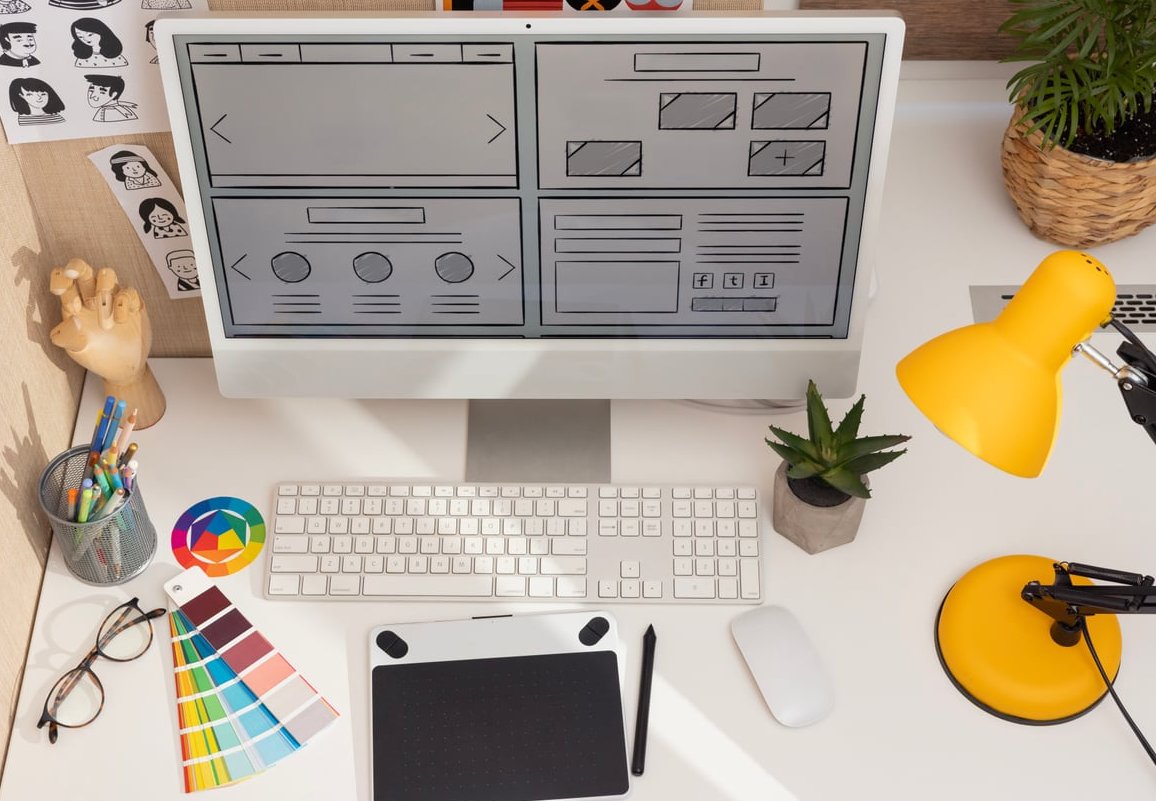
A wireframe is a low-fidelity, static blueprint of a screen or page. Think of it as the architectural plan of a house: it shows where the walls, doors, and windows go, but not the paint color or furniture.
Wireframes focus on:
- Structure and layout of content
- Hierarchy of information
- Placement of key UI elements (buttons, navigation, forms)
- Basic user flow between screens
They are usually black, white, and gray, with no real images or final typography. The goal is to communicate ideas fast without getting distracted by visuals.
When to Use Wireframes
- Early in the project, right after user research and information architecture
- When aligning with stakeholders on layout and content priorities
- Before any visual design work begins
- To quickly iterate on multiple layout ideas
What Is Prototyping?
A prototype is an interactive, clickable simulation of your product. Where a wireframe shows what the screen looks like, a prototype shows how it behaves. Users can click buttons, fill forms, navigate menus, and experience transitions almost as if the product were real.
Prototypes can range from:
- Low-fidelity: clickable wireframes with basic interactions
- High-fidelity: full visual design with animations, micro-interactions, and realistic data
When to Use Prototypes
- To validate flows and interactions with real users in usability testing
- To pitch a concept to investors or clients in a convincing way
- To hand off detailed specs to developers
- To stress-test edge cases before writing a single line of code
Wireframing vs Prototyping: Side-by-Side Comparison
| Aspect | Wireframe | Prototype |
|---|---|---|
| Fidelity | Low | Low to High |
| Interactivity | Static | Interactive and clickable |
| Purpose | Define structure and layout | Simulate real product behavior |
| Time to create | Minutes to hours | Hours to days |
| Used for | Internal alignment, ideation | User testing, dev handoff, presentations |
| Visuals | Grayscale, placeholders | Real colors, fonts, content |
| Stage in workflow | Early | Middle to late |
A Concrete Example: Designing a Login Screen
Let’s see how the same screen evolves from wireframe to prototype.
Wireframe Stage
- A gray rectangle at the top represents the logo
- Two empty boxes labeled “Email” and “Password”
- A solid block labeled “Login button”
- A text link saying “Forgot password?”
That’s it. No colors, no real fonts, no animations. The team can argue about whether the “Forgot password?” link should be above or below the button without being distracted by aesthetics.
Prototype Stage
- Real branded colors and typography applied
- Clicking the email field shows a focus state
- Tapping “Login” with empty fields triggers a validation error
- Successful login transitions to the dashboard with a smooth animation
- “Forgot password?” opens a modal with a recovery flow
Now you can hand this to five users and observe whether they actually complete the task without confusion.
Where Does Mockup Fit In?
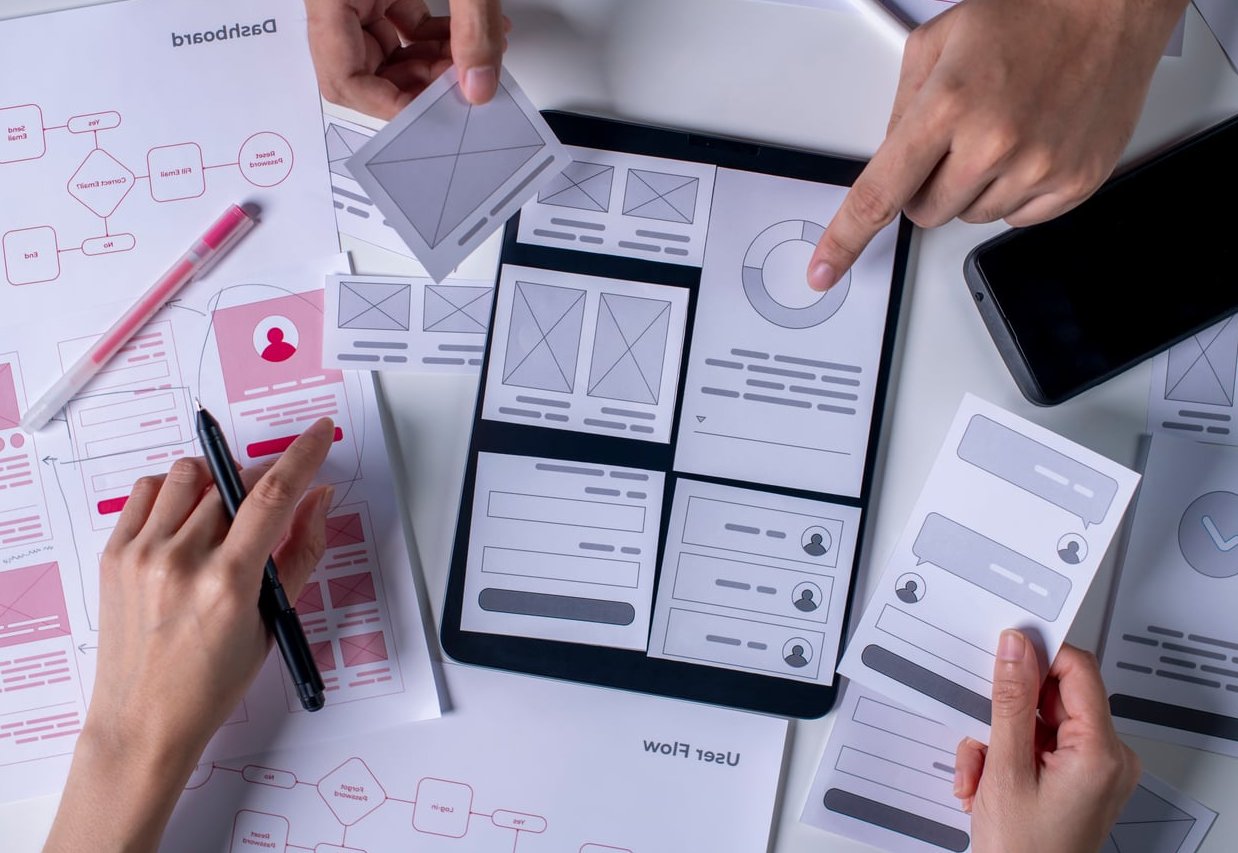
People often ask about mockups because they sit between wireframes and prototypes. A mockup is a static, high-fidelity visual representation. It looks like the final product but doesn’t do anything when you click it.
The typical sequence is:
- Wireframe (structure)
- Mockup (visual design)
- Prototype (interaction)
Best Tools for Wireframing and Prototyping
Top Wireframing Tools
- Balsamiq: famous for its sketchy, low-fi style that keeps conversations focused on structure
- Whimsical: fast, clean, and great for collaborative wireframing
- Figma: yes, Figma works perfectly as a wireframing tool with free wireframe kits
- Pen and paper: still the fastest wireframing tool ever invented
Top Prototyping Tools
- Figma: the industry standard, with strong prototyping features and variables
- ProtoPie: ideal for advanced interactions and sensor-based prototypes
- Framer: powerful for high-fidelity, code-backed prototypes
- Axure RP: still a favorite for complex, logic-heavy enterprise prototypes
How They Fit Into a Real UX Workflow
Here’s a simplified workflow most product teams follow in 2026:
- Discovery: research, interviews, personas
- Information architecture: sitemaps, user flows
- Wireframing: low-fi layouts, fast iterations
- Visual design: mockups with branding applied
- Prototyping: interactive flows for testing
- Usability testing: validate with real users
- Developer handoff: specs, assets, prototype as reference
Common Mistakes to Avoid
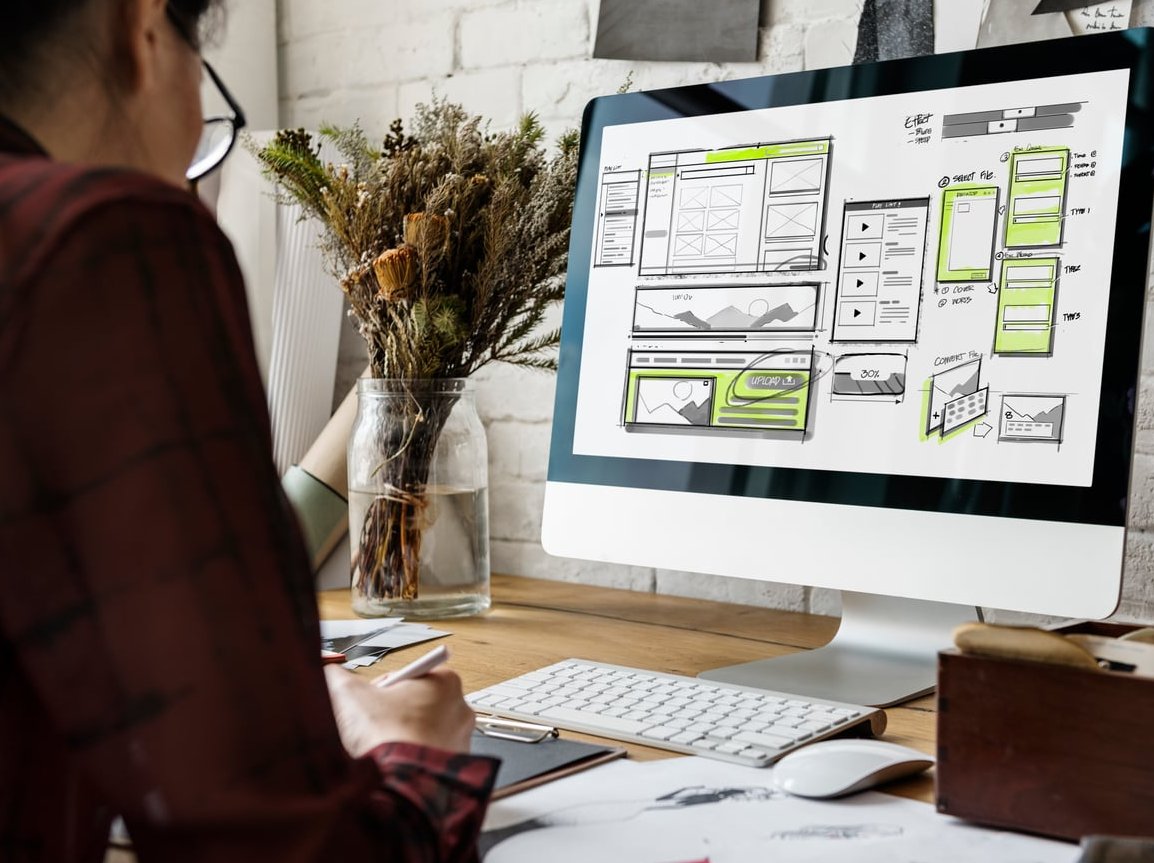
- Skipping wireframes and jumping straight to high-fidelity design. You’ll waste hours redoing visuals when the layout changes.
- Over-polishing wireframes. If your wireframe has gradients, you’re doing too much.
- Testing wireframes with end users. Most users can’t visualize the final product from a gray box. Use a prototype instead.
- Treating the prototype as the final product. It’s a simulation, not production code. Edge cases still need engineering review.
Key Takeaway
Wireframing answers the question “what goes where?” Prototyping answers the question “how does it feel to use?” Both are essential, and using them at the right moment is what separates a junior designer from a confident UX professional.
FAQ
What is the main difference between a wireframe and a prototype?
A wireframe is a static, low-fidelity layout that shows structure. A prototype is an interactive simulation that shows how the product behaves when used.
Is Figma a wireframing tool or a prototyping tool?
Figma is both. You can build low-fidelity wireframes and high-fidelity interactive prototypes in the same file, which is why it dominates the industry.
Do I always need to make a wireframe before a prototype?
For most projects, yes. Wireframing forces you to settle structure and content priorities before investing time in visuals and interactions. Skipping it usually leads to rework.
What are the 4 types of prototypes?
The most common categories are low-fidelity prototypes, high-fidelity prototypes, functional prototypes (built with code), and paper prototypes. Each fits different stages and budgets.
Can I use a wireframe for usability testing?
You can, but results will be limited. Users struggle to project themselves into a gray, static layout. A clickable prototype gives much more reliable feedback.
How long should I spend on wireframing?
For a small feature, a few hours. For a full product, a few days. The point is speed and iteration, not perfection. If you’re spending a week on wireframes, you’re probably overworking them.